The Ultimate Keyboard Buying Guide for Parents: What You Really Need to Start
![[HERO] The Ultimate Keyboard Buying Guide for Parents: What You Really Need to Start](https://ipianolab.s3.us-west-2.amazonaws.com/blog/posts/5/assets/marblism/cdn.marblism.com/b1G9Ue7PRsW.webp)
You're scrolling through keyboard listings, and suddenly there are 88 keys versus 61 keys, "weighted action" versus "semi-weighted," MIDI compatibility, and a hundred other features you didn't know existed. Your head is spinning, and you just want to know: what keyboard do I actually need to get my kid started with piano lessons?
Here's the good news: you need way less than you think. And the stuff that actually matters? We'll break it down in plain English.
The Big Question: 61 Keys or 88 Keys?
This is the first fork in the road, and honestly, both paths work. Here's how to decide:
Go with 61 keys if:
- Your child is under 10 years old
- You're not sure if piano will stick yet
- You have limited space or need to move the keyboard around
- You want to spend $100–$300 instead of $400+
A 61-key keyboard covers about five octaves, which is plenty for beginners. Your child will be able to play most pop songs, movie themes, and beginner pieces without running out of keys. Plus, these keyboards are lighter, cheaper, and way easier to store in a small apartment or move to grandma's house.
Go with 88 keys if:
- Your child is older (10+) or already showing serious interest
- You have the space and don't need to move it often
- You want to avoid buying a second keyboard later
- You're thinking about classical music or traditional piano lessons down the road
Full-sized keyboards (88 keys) mimic a real acoustic piano, which means if your child eventually transitions to in-person lessons or wants to play more advanced classical pieces, they won't have to adjust. The downside? They're heavier, bulkier, and cost more.
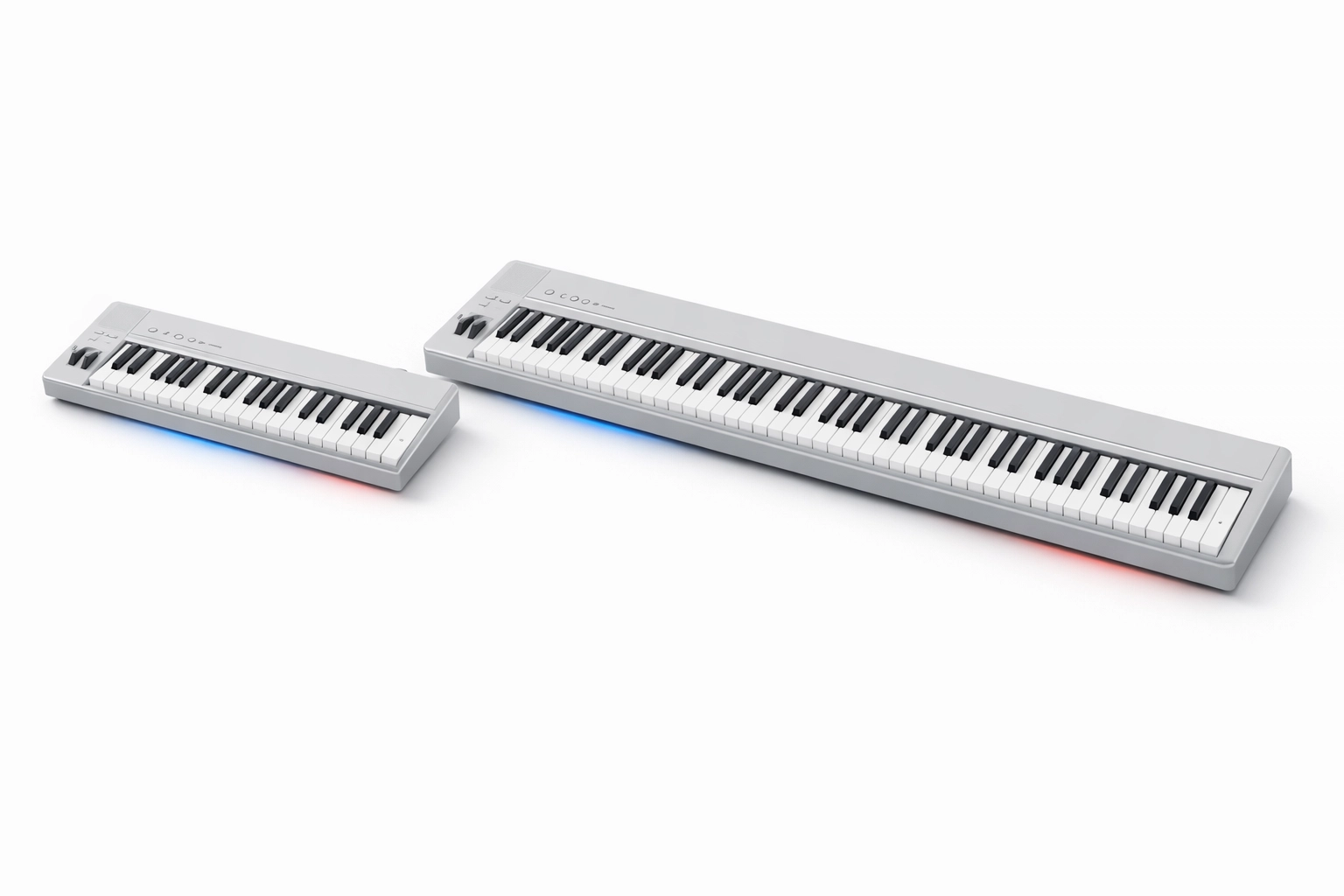
Our take? If you're just getting started and your child is young, 61 keys is perfect. You can always upgrade later if they fall in love with piano. And here's the thing: if they outgrow a 61-key keyboard, that's actually a good problem to have: it means they're progressing!
Touch Sensitivity: The One Feature You Actually Need
Forget about the 500 built-in sounds or the light-up keys. The one feature that really matters for learning piano is called touch sensitivity (sometimes labeled as "velocity-sensitive" or "dynamic keys").
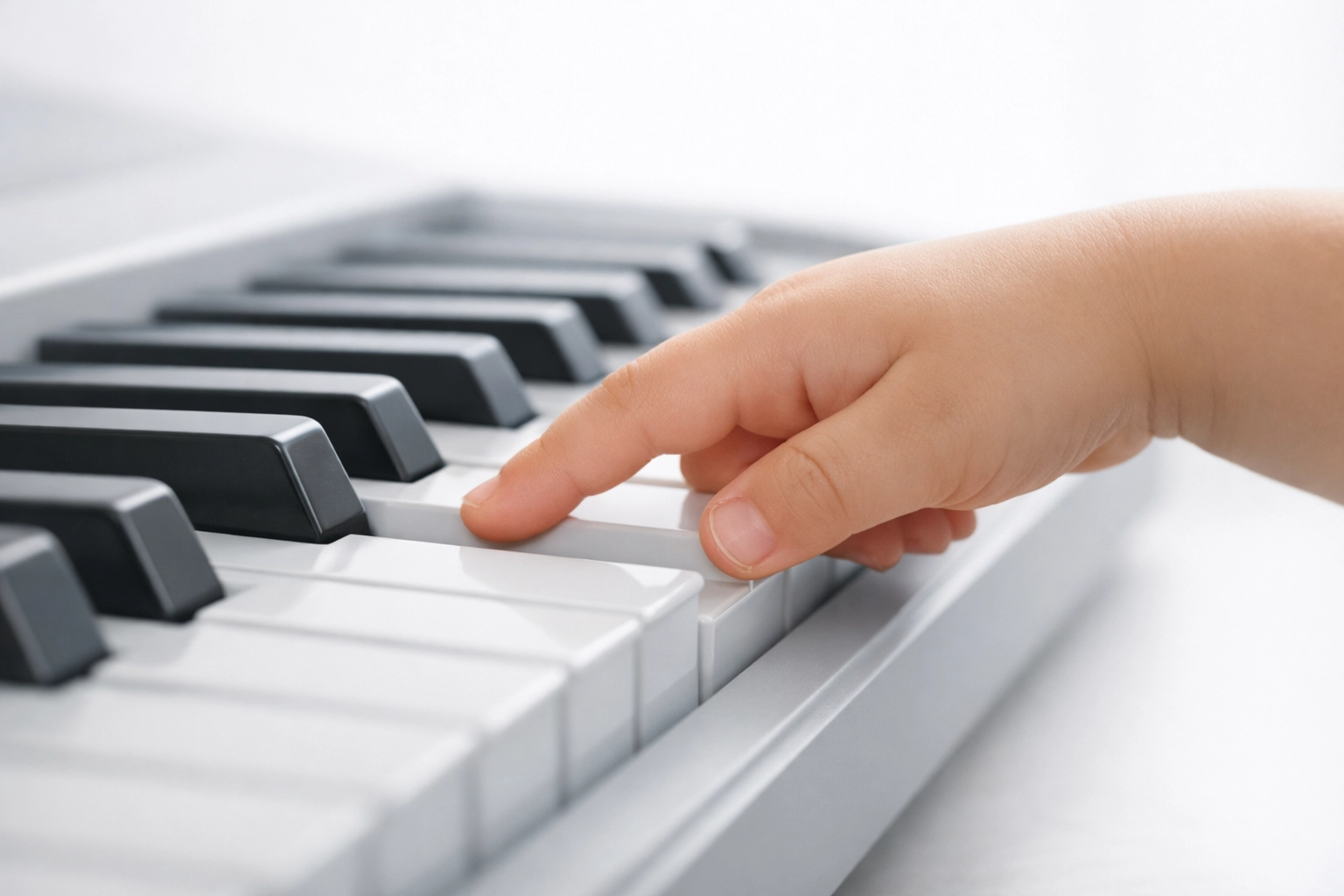
Here's what it means: when your child presses a key softly, it plays quietly. Press harder, and it plays louder. Just like a real piano.
Why this matters: Touch sensitivity teaches your child how to play, not just what to play. It's the difference between banging out notes like a robot and actually making music. Without it, every key sounds exactly the same no matter how you press it, which makes playing feel flat and boring.
The good news? Most keyboards over $150 have touch sensitivity built in. Just double-check the product description before you buy, and you're good to go.
What About "Weighted Keys"?
You'll see keyboards advertised with "weighted" or "semi-weighted" keys. Here's the quick version:
- Unweighted keys: Feel like pressing buttons. Easiest for small hands, but don't mimic real piano feel.
- Semi-weighted keys: A little resistance when you press. Great middle ground for beginners.
- Fully weighted keys: Feel like a real acoustic piano. Heavier, more expensive, but closest to the "real thing."
For most kids just starting out, semi-weighted or even unweighted keys are totally fine. As long as the keyboard has touch sensitivity, they'll learn proper technique. You don't need to spend $800 on a digital piano with hammer-action keys just to get started.
Budget-Friendly Recommendations (That Actually Work)
Let's talk real numbers. Here's what you can expect at different price points:
$100–$200: The "Let's Try This Out" Range
- Casio CT-S300 or Yamaha PSR-E273: Both have 61 keys, touch sensitivity, and built-in speakers. They're lightweight, portable, and totally adequate for a beginner. If piano doesn't stick, you're only out $150: and the keyboard doubles as a fun party instrument.
$200–$400: The "We're Kind of Serious" Range
- Yamaha P45: This is a full 88-key digital piano with weighted keys. It's a popular choice for families who want to skip the upgrade step. Typically runs $400–$500 and will last your child 18–24 months before they outgrow it (if they're practicing regularly).
$400+: The "We're Really Doing This" Range
- Casio Privia Series or Yamaha P-125: These are legit digital pianos with full-sized, weighted keys and excellent sound quality. They'll support your child all the way through intermediate and even early advanced levels. But honestly? Don't start here unless your child has already been begging for piano lessons for six months straight.
You can't go wrong starting small. If your child loves it, you upgrade. If they lose interest, you're not stuck with a $600 instrument gathering dust.
What You Don't Need (So Stop Stressing About It)
Here's what salespeople and product descriptions will try to convince you matters: but really doesn't for a beginner:
- 500 instrument sounds: Your child will use the piano sound. Maybe the electric piano sound. That's it. Don't pay extra for 498 sounds they'll never touch.
- Built-in songs and lessons: These features sound great but usually go unused. Real learning happens with an actual curriculum (like iPianoLab's online lessons), not with a keyboard's clunky built-in tutorial.
- Light-up keys: Fun for five minutes, distracting after that. Not worth the extra cost.
- Fancy displays: A simple LED screen is all you need. Touchscreens and color displays just bump up the price.
Keep it simple. A good keyboard has 61+ keys, touch sensitivity, and decent sound quality. Everything else is a bonus, not a necessity.
Don't Forget: You'll Need a Stand and Headphones
Two quick things that get overlooked:
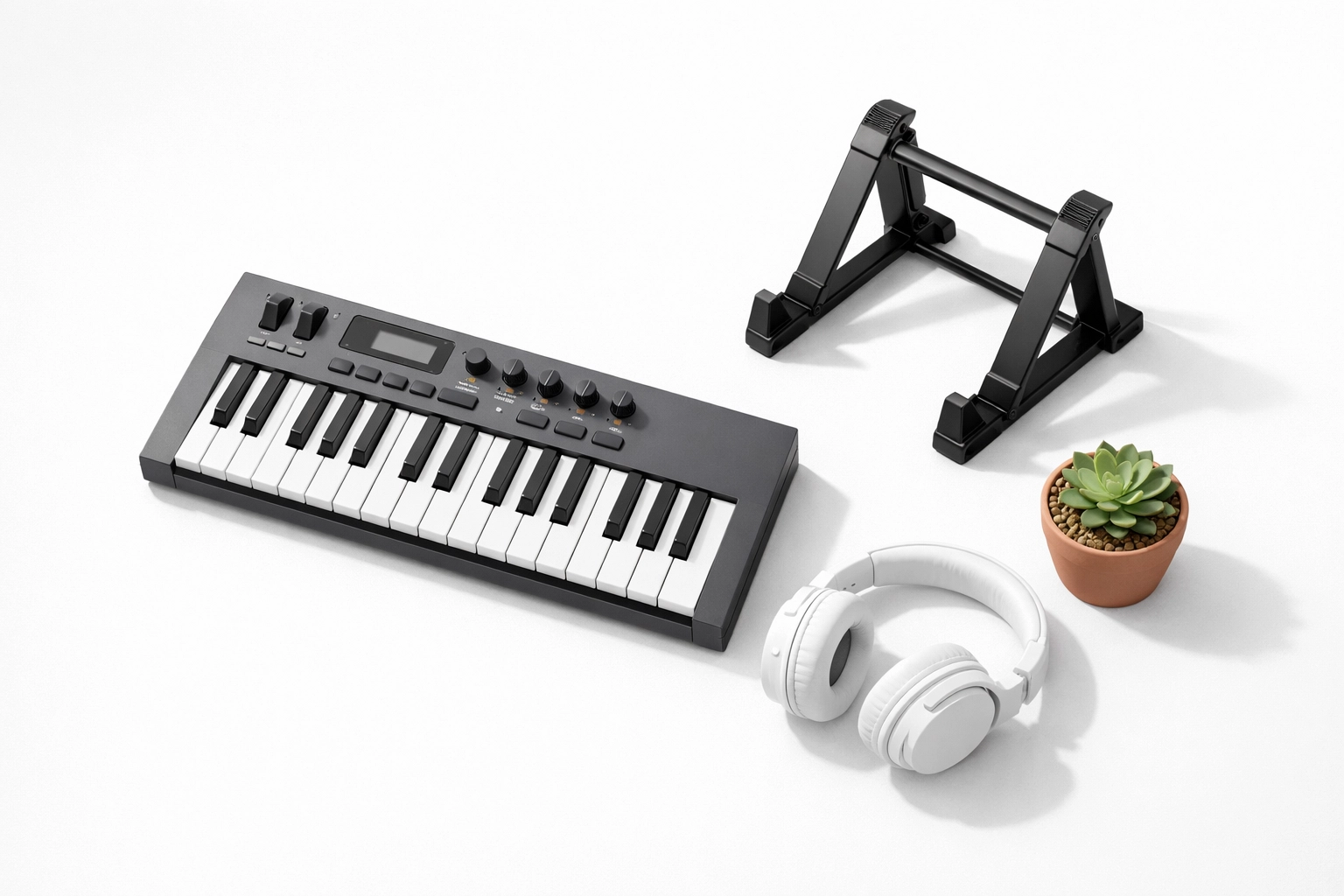
A stand or table: Your child needs to sit at the keyboard with proper posture: elbows at a 90-degree angle, feet flat on the floor. A $30 adjustable stand from Amazon works great, or just use a sturdy table at the right height.
Headphones: This is a game-changer for apartment living or busy households. Most keyboards have a headphone jack, so your child can practice without driving everyone crazy. Get a comfortable pair of over-ear headphones for $20–$40, and you'll thank yourself later.
Buying Used? Here's What to Check
If you're budget-conscious (and who isn't?), buying a used keyboard can save you 30–50%. Just check these things before you hand over cash:
- Test every key: Press each one to make sure it plays sound and "bounces back" normally.
- Check for crackling or distortion: Play notes at different volumes. The sound should be clean.
- Make sure the power adapter is included: Replacement adapters can be annoying to track down.
- Look for sticky keys or physical damage: A little wear is fine, but broken keys or a cracked casing are red flags.
Facebook Marketplace, Craigslist, and local music shops often have great deals on gently used keyboards from families whose kids moved on to other instruments.
Here's the Real Secret: iPianoLab Works With ANY Keyboard
Here's something most parents don't realize: the keyboard itself is just the tool. What actually determines whether your child learns piano and has fun doing it? The lessons.
That's why iPianoLab's online piano lessons are designed to work with any keyboard: 61 keys, 88 keys, weighted, unweighted, doesn't matter. Whether you spend $150 or $600, your child gets the same high-quality, game-based curriculum that makes learning piano actually enjoyable.
You don't need to stress about buying the "perfect" keyboard, because iPianoLab meets your child exactly where they are. We teach using pop songs, movie themes, and video game music that kids actually want to play: not boring scales and classical pieces they've never heard of.
Want more help deciding? We put together a complete keyboard buyer's guide with specific models, comparison charts, and even tips on where to find the best deals. It's free, and it takes all the guesswork out of your decision.
The Bottom Line: Start Simple and Start Now
The best keyboard for your child is the one you can afford, that fits in your space, and that they'll actually sit down and play. Don't overthink it. A $150 keyboard with touch sensitivity is a thousand times better than waiting months to find the "perfect" instrument.
Your child doesn't need a concert grand piano to learn: they need a keyboard, a good teacher, and lessons that don't feel like homework. iPianoLab gives you two out of three, and you can handle the keyboard part for under $200.
So pick something, get it delivered, and let's start making music. Your kid's first song is just one click away.