How to Use Online Piano Video Lessons With Kids: A Simple Weekly Plan
Online piano lessons for kids are easier to use when each week has one small musical goal. Start with one short lesson, pause so your child can try it at the keyboard, repeat the skill on another day, and finish by naming one clear win. This watch–try–repeat rhythm helps parents support progress without turning practice into another full lesson.
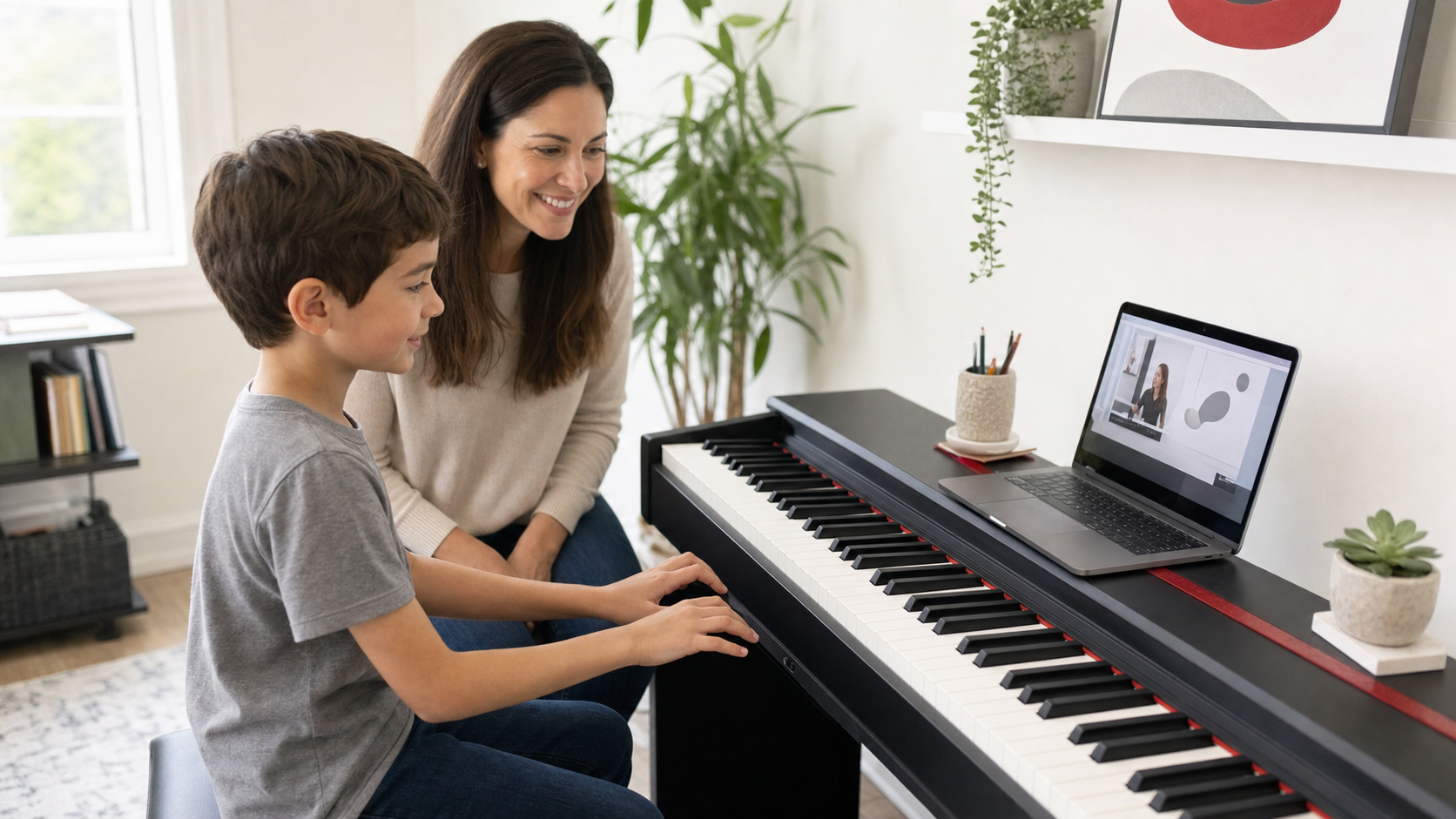
This guide is for families using a piano or keyboard video library at home. It does not assume that every child needs the same practice length or the same amount of parent help. Use the plan as a starting point, then adjust the pace to the child, the lesson, and the family’s schedule.
What makes an online piano lesson work for a child?
An online lesson works when the child can understand the next musical step, try it at a real keyboard, and return to it without the entire routine depending on an adult giving a second lesson. The video should support playing, not replace it.
A useful session usually has four parts:
- Watch: choose one focused lesson or one small section.
- Try: pause and copy the rhythm, notes, chord, or hand pattern at the keyboard.
- Repeat: return to the same skill on another day before adding more.
- Notice: name one thing that became clearer and one question to keep.
This structure is especially helpful when a video library contains many choices. The goal is not to finish as much content as possible. It is to turn one lesson into a musical action the child can repeat.
Set up the lesson before pressing play
Place the screen where the child can see it without twisting away from the keyboard. Keep the volume comfortable, remove unrelated tabs or notifications, and put any printed music or notes within reach. If headphones help the child focus, check that they do not prevent the adult from hearing when the child asks for help.
Before the session begins, decide what “done” means. It might be watching one demonstration and copying it three times, finding a group of notes, keeping a short steady beat, or playing the first part of a song. A visible stopping point prevents the session from expanding until everyone is tired.
If you are still arranging the room, use the online piano lessons setup checklist for parents to review the keyboard, headphones, screen position, practice space, and parent role.
A simple weekly online piano lesson plan
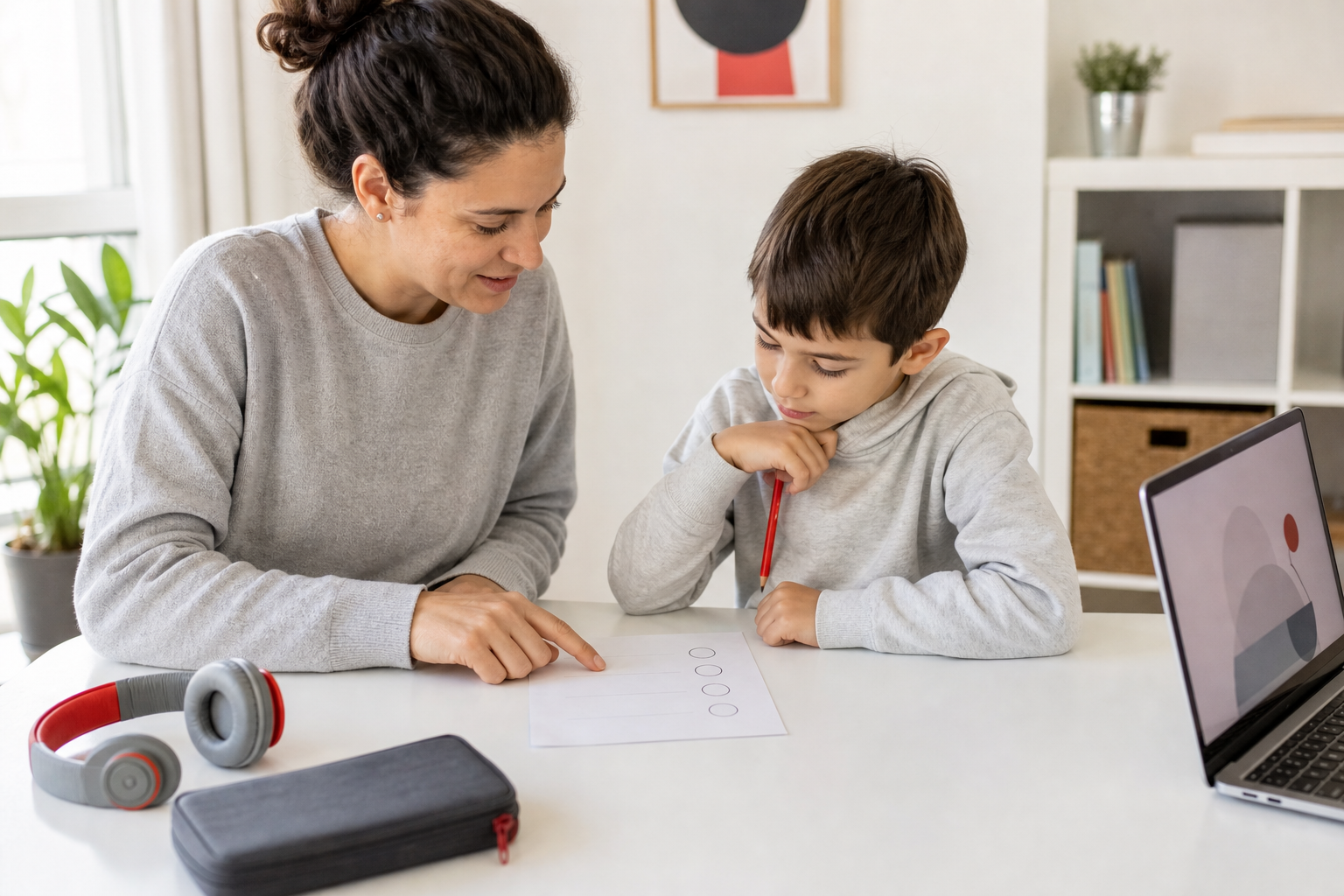
For a young beginner, four short touchpoints can be more practical than one long block. The sample below uses 10 to 15 minutes as a starting range, not a rule. Some children will need less time, and others will want more.
Day 1: Watch and try
- Child’s goal: Choose one lesson and copy one small musical idea.
- Parent’s role: Open the lesson, help with navigation, then step back.
- Stopping point: The child can show the idea once.
Day 2: Repeat
- Child’s goal: Return to the same notes, rhythm, or hand pattern.
- Parent’s role: Ask, “What is the first step?” instead of explaining it.
- Stopping point: The child starts with less help.
Day 3: Connect
- Child’s goal: Use the skill in a song, pattern, or familiar exercise.
- Parent’s role: Keep the task small and notice one specific improvement.
- Stopping point: One section feels more comfortable.
Day 4: Review and choose
- Child’s goal: Show the week’s win and decide whether to repeat or continue.
- Parent’s role: Write down one question if the next step is unclear.
- Stopping point: The family knows what comes next.
A missed day does not require a catch-up marathon. Return to the most recent successful step. If the child cannot remember where to begin, replay the demonstration and reduce the task until the starting point is obvious.
How much should a parent help?
At the beginning, a parent may need to manage the device, help the child find the lesson, and make sure the keyboard is ready. The musical work should gradually move back to the child. A helpful adult makes the next step visible without taking over every correction.
Try prompts such as:
- “Show me what the video asked you to do first.”
- “Which part should we replay?”
- “Can you make the task smaller?”
- “What sounded easier the second time?”
- “Should we repeat this lesson or move to the next one?”
Avoid turning every session into a test. The child does not need to perform the entire lesson for the parent. If practice becomes a repeated argument, this guide to helping a child practice without becoming the teacher offers a calmer reset.
What should families track besides minutes?
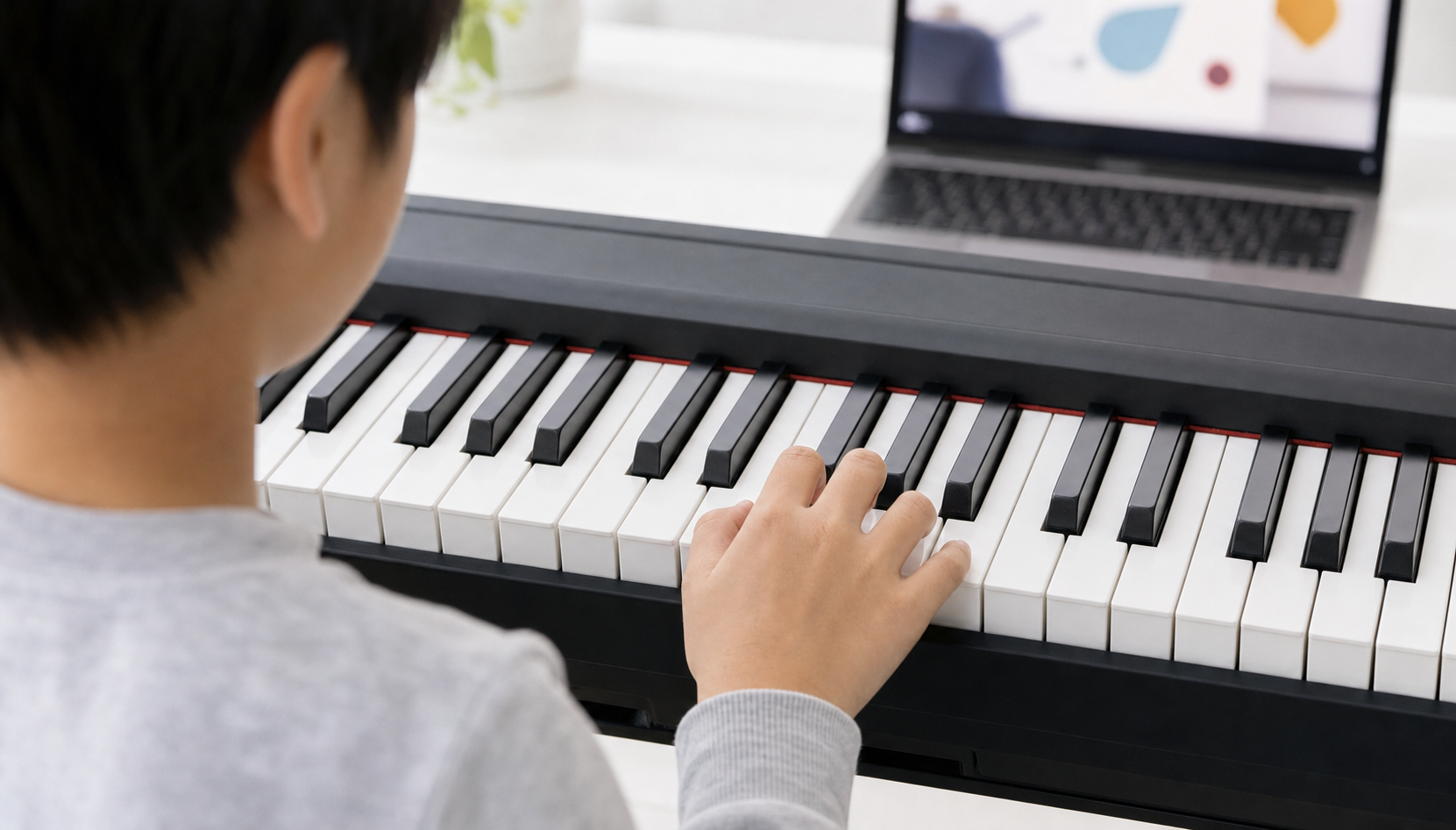
Minutes alone do not show whether the lesson is becoming usable. Track a few simple learning signals instead:
- Can the child find the correct lesson with less help?
- Can the child explain or demonstrate the first step?
- Can the child find the starting notes or rhythm again on another day?
- Can the child hear or feel one improvement after repeating?
- Does the child know whether to repeat the lesson or continue?
- Can the family name the exact question that is blocking progress?
These signals make a weekly review more useful. They also help a live teacher understand the problem quickly if the family needs support.
When should you repeat a video lesson?
Repeat the lesson when the child understands the general idea but cannot yet begin it independently, when the rhythm or notes become less clear away from the screen, or when adding the next step would make the task too large. Repetition is not falling behind. It is part of turning a demonstration into a skill.
Move forward when the child can start the task, recognize what success sounds or feels like, and complete a small version without constant adult correction. The result does not need to be polished before the child sees the next lesson.
When is live teacher help useful?
A video library can work well for children who enjoy repeating demonstrations, can follow an organized sequence, and are comfortable practicing at home. Live help becomes useful when the family cannot identify the problem, the child repeatedly practices the wrong action, motivation drops because the next step feels unclear, or the child would benefit from feedback and a personalized pace.
Video library
May fit when: the child enjoys self-paced repetition and the family can keep a simple routine. Reconsider when: the next step remains unclear across several sessions.
Live group lessons
May fit when: the child enjoys peers, shared routines, games, and regular meeting times. Reconsider when: the group pace or environment does not fit the child.
Private lessons
May fit when: the child needs individualized pacing, feedback, or schedule flexibility. Reconsider when: the format creates more pressure than progress.
iPianoLab’s current online options include a video library, weekly small-group learning, and private one-to-one lessons. Families can compare the current choices on the online piano lessons page.
Frequently asked questions
Do online piano video lessons work for kids?
They can work when the child has a usable keyboard setup, follows a clear lesson sequence, plays between demonstrations, and repeats skills across the week. Some children also need live feedback, a group routine, or more individualized pacing.
How long should an online piano practice session be?
For a young beginner, 10 to 15 focused minutes can be a practical starting point, but it is not a rule. Stop sooner if attention or understanding drops. Continue longer when the child remains comfortable, engaged, and able to describe the task.
Should my child watch the whole lesson before playing?
Usually, no. Alternate short watching and playing segments so the child connects each demonstration to the keyboard. If the lesson is already very short, one full preview may help before the child repeats it step by step.
What if my child keeps making the same mistake?
Shrink the task. Return to fewer notes, a slower spoken count, one hand, or a shorter section. Replay the relevant demonstration and note the exact place where the child becomes unsure. If the same block continues, live teacher feedback may be the more efficient next step.
What keyboard does a child need for online lessons?
The right instrument depends on the child’s current level and the program. Many beginners can start on a 61-key keyboard, while an 88-key instrument provides the full piano range. Use the 61-key versus 88-key guide for parents before buying.
Choose one small lesson and build the return habit
A useful online piano routine is not measured by the number of videos completed. It is measured by whether the child can watch, try, repeat, and return with growing clarity. Start with one lesson, schedule a few short touchpoints, and keep one question for the end of the week.
Ready to compare current iPianoLab online options? Review the video library, small-group, and private online paths, or create an iPianoLab account to get started.